Synthesis in layers
Build a composition from liquid textures, fractured forms, rasters, tunnels and geometric oscillators. Organize generators and media as tracks and nested branches, then combine them with opacity, blend modes and effects.
A visual synthesizer for live performance.
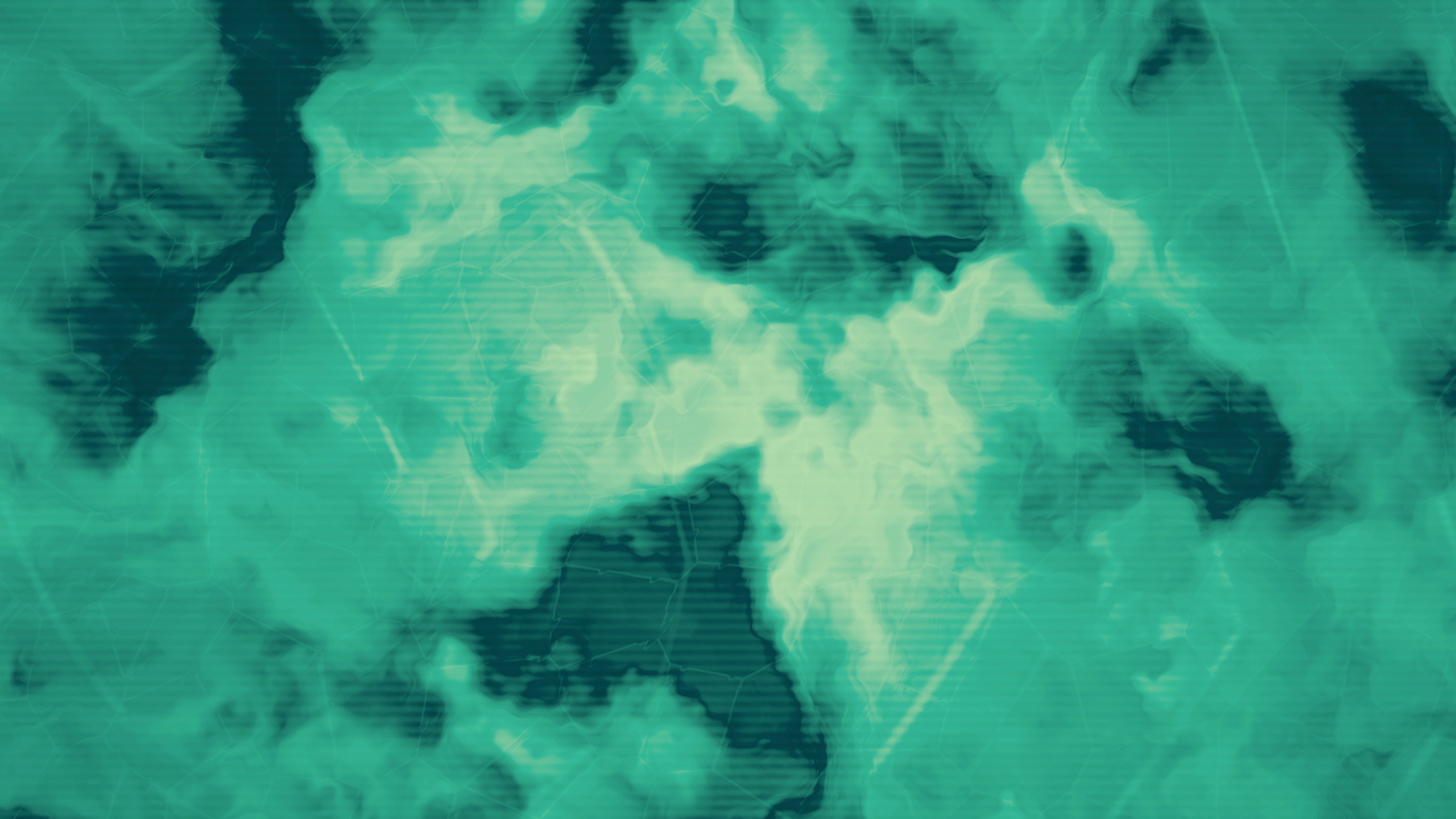
Compose a visual set from independent generators, media and live cameras. Arrange them as tracks, shape their color and character, and connect movement across the composition. VS01 is an instrument for live visuals, audiovisual performance, installations and music-video visual development.
Let sound drive geometry, color and effects, draw its waveform with an oscilloscope, or use shared LFOs to keep a composition moving. Recall scenes while audience output runs on a separate display.
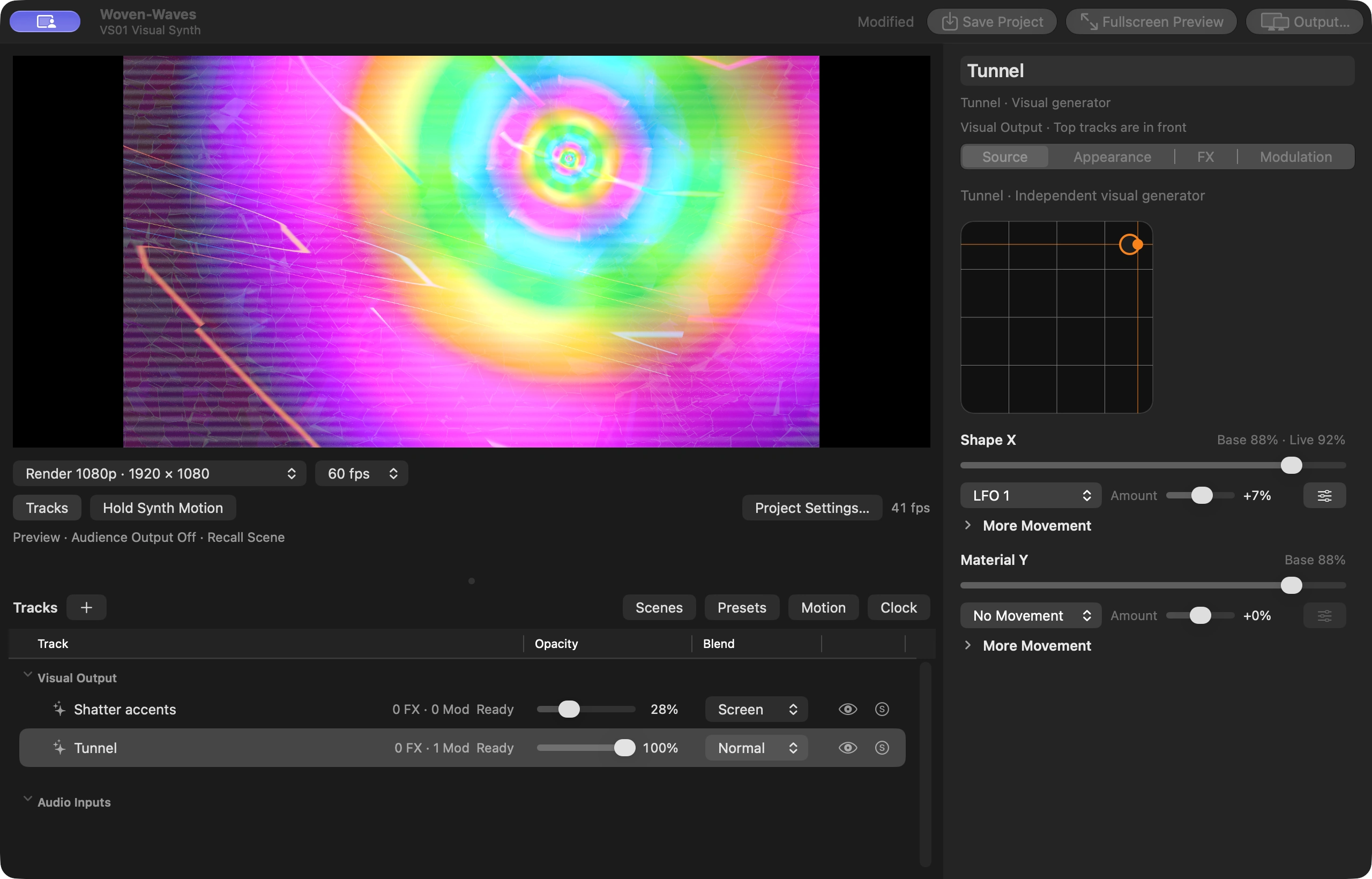
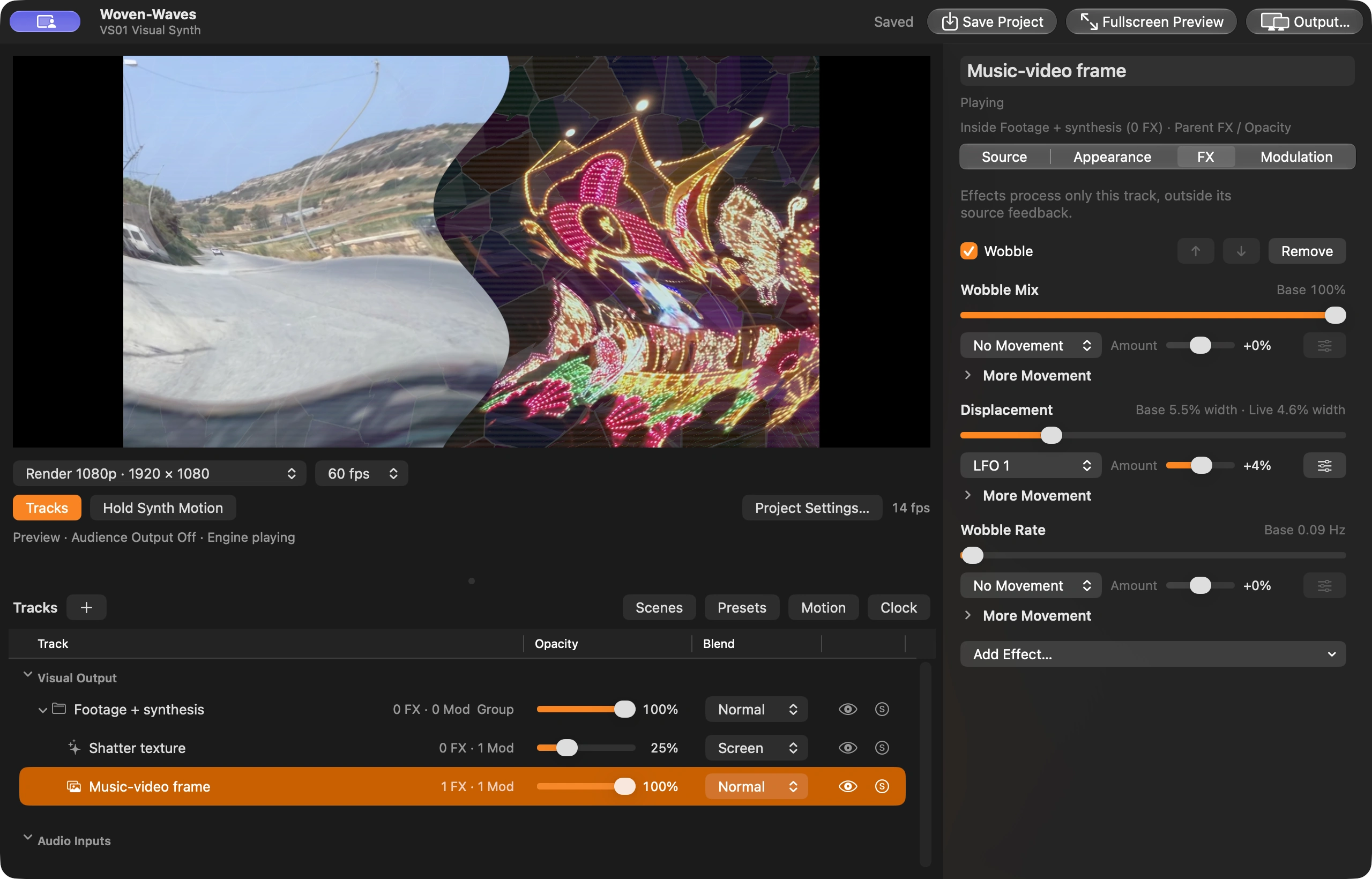
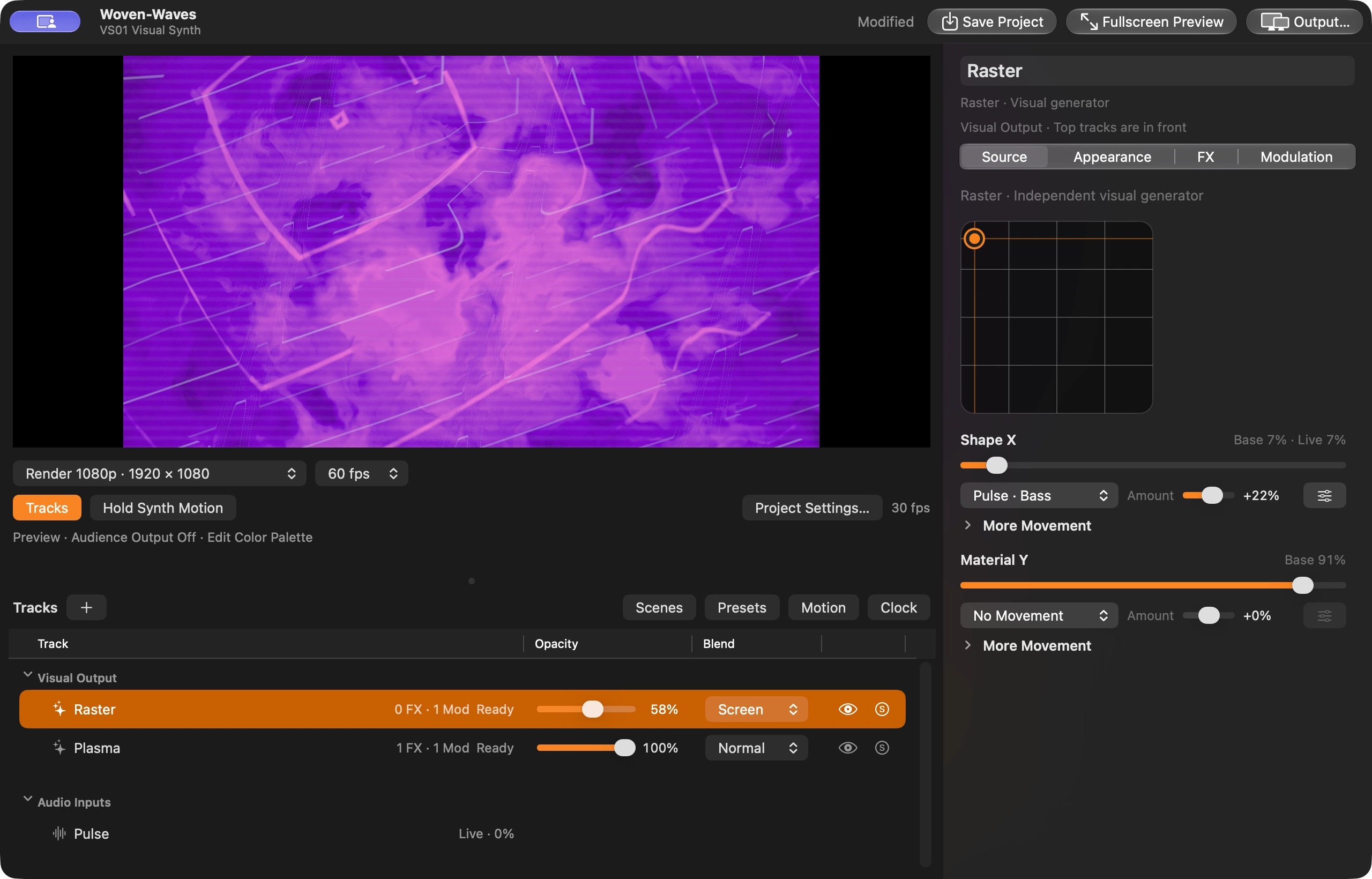
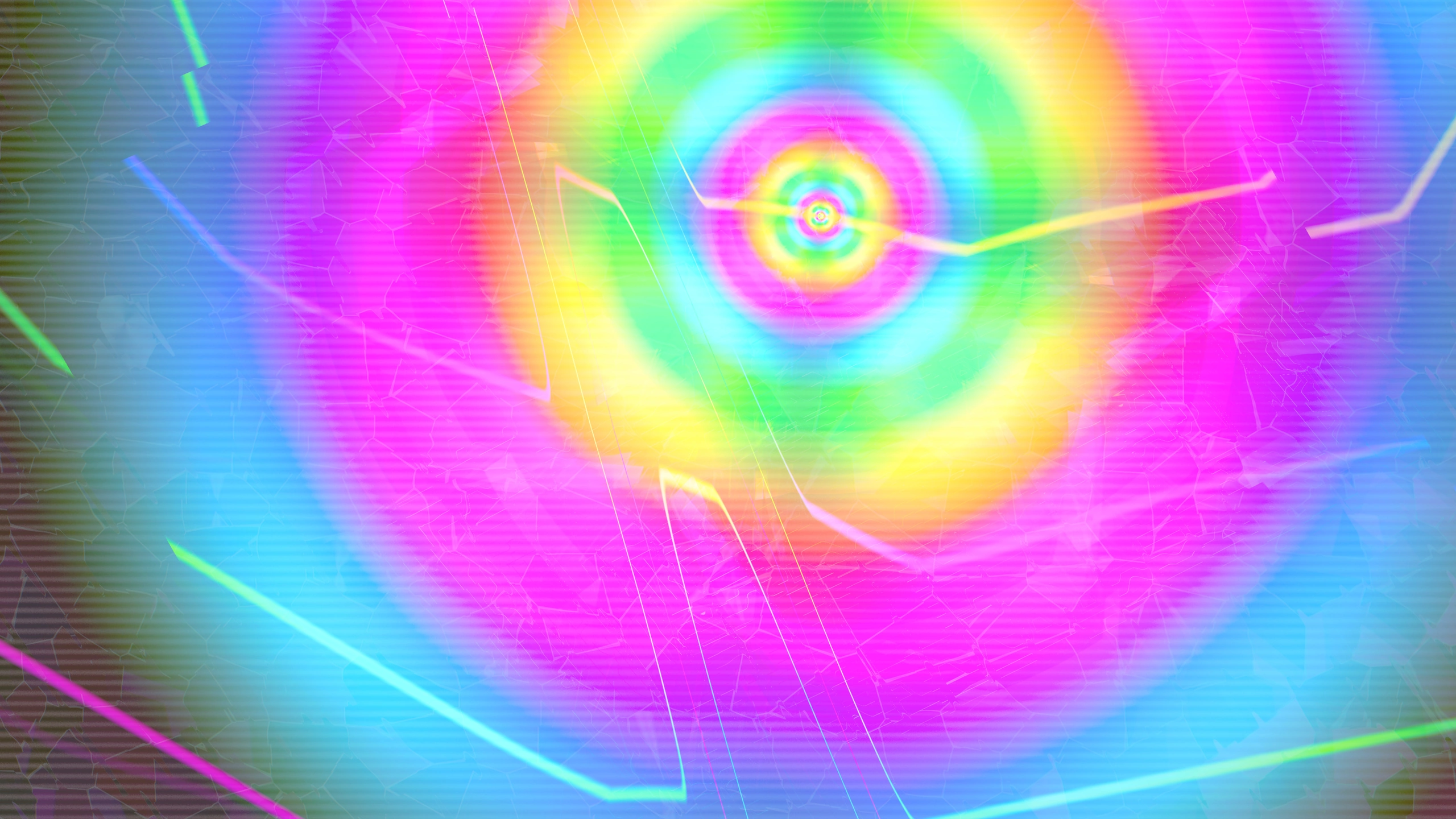
Build a composition from liquid textures, fractured forms, rasters, tunnels and geometric oscillators. Organize generators and media as tracks and nested branches, then combine them with opacity, blend modes and effects.
Map level, transients, bass, midrange and treble to visual parameters. Named audio sources from files, live inputs or video soundtracks can influence an individual track or several layers at once.
Use multiple audio input channels as modulation sources for your visuals.
Bring your own footage, still images and camera feeds into the composition. Video tracks have independent playback, speed, loop and playlist controls. Combine media with synthesis and process it with effects.
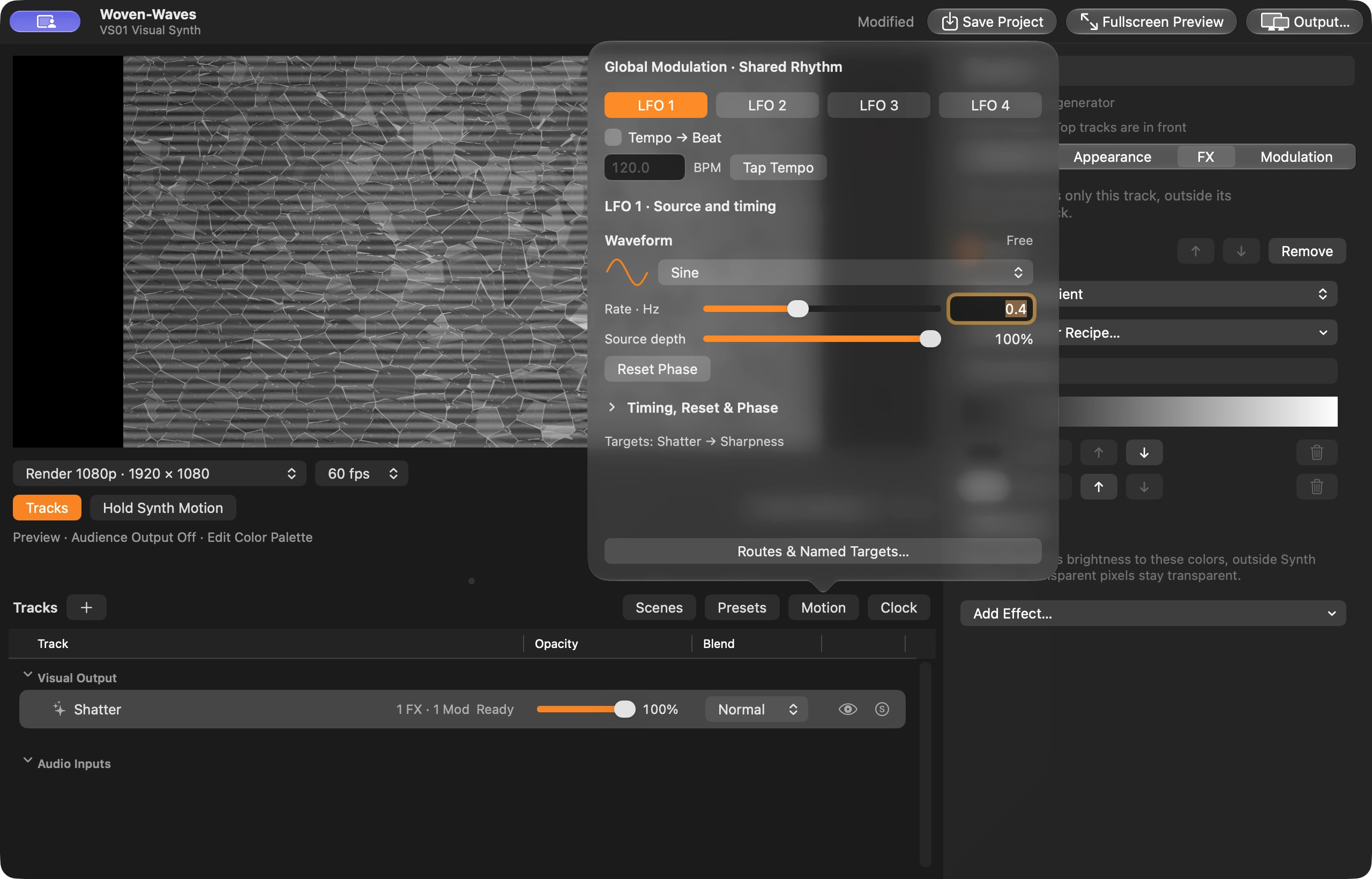
Use four shared LFOs, tempo and optional local sources to connect movement across tracks. Route modulation to source and effect parameters, including position, rotation and zoom, with control over depth and direction.
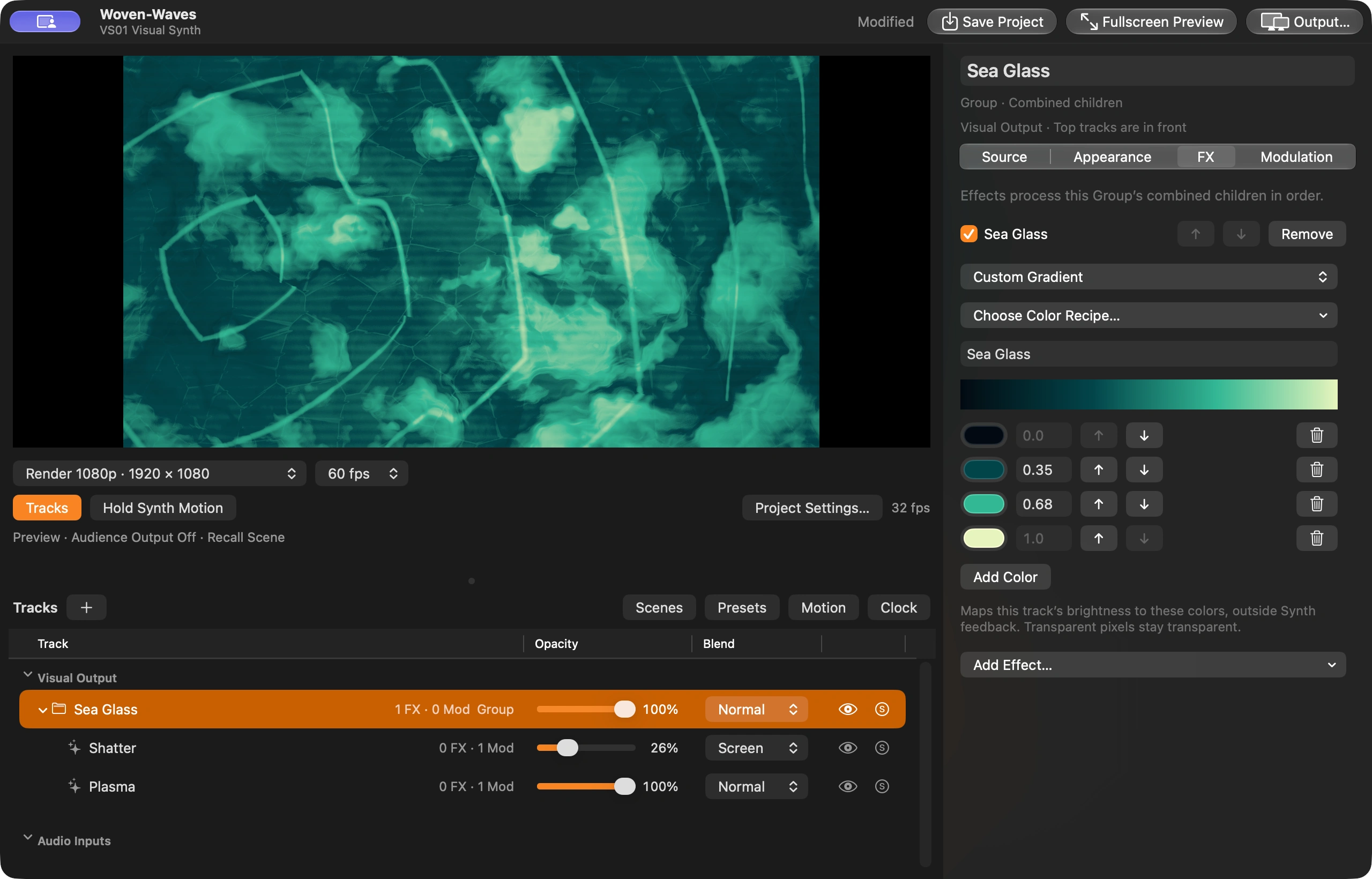
Create named gradients with editable color stops and positions. Apply a palette to a single track or an entire branch, and save it with the project.
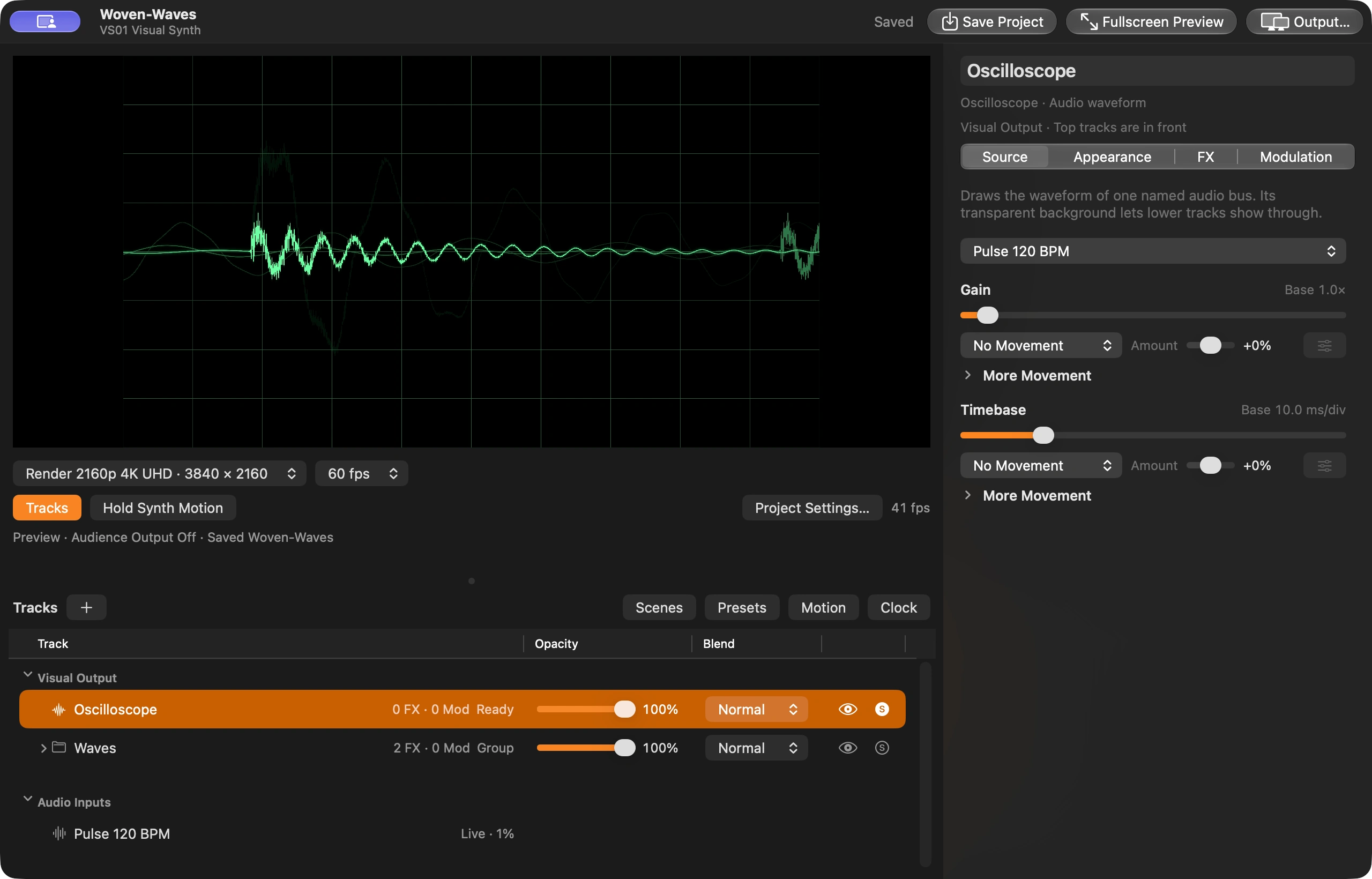
Turn a named audio source into a waveform with adjustable gain and timebase. Use the scope as its own visual layer or blend it into the rest of the composition.
Start from a preset, store variations as scenes and recall them during a set. Save .vsynth projects with linked media, or collect the referenced files into a portable package.
Keep the editor on your Mac and send the composition to another display. Fullscreen Preview and project output settings let you prepare the view for a show, audiovisual set or installation.
For more information about VS01 in your live or studio setup, email hello@keepthereceipt.kr.